CutFrame
A video editor that runs entirely in the browser, with on-device AI.
The problem
Capable video editors are heavy, paid, need installing or upload your footage to a server, and break when a third-party service does. I wanted one that opens like a web page, keeps media on the device and still has the AI features creators now expect.
How it works
CutFrame is a handful of static files and a service worker, with no framework and no build step. Clips are composited per frame onto a single canvas with filters, crop regions, opacity and AI masks applied live, and exported with MediaRecorder to WebM, MP4, MOV or a PNG sequence.
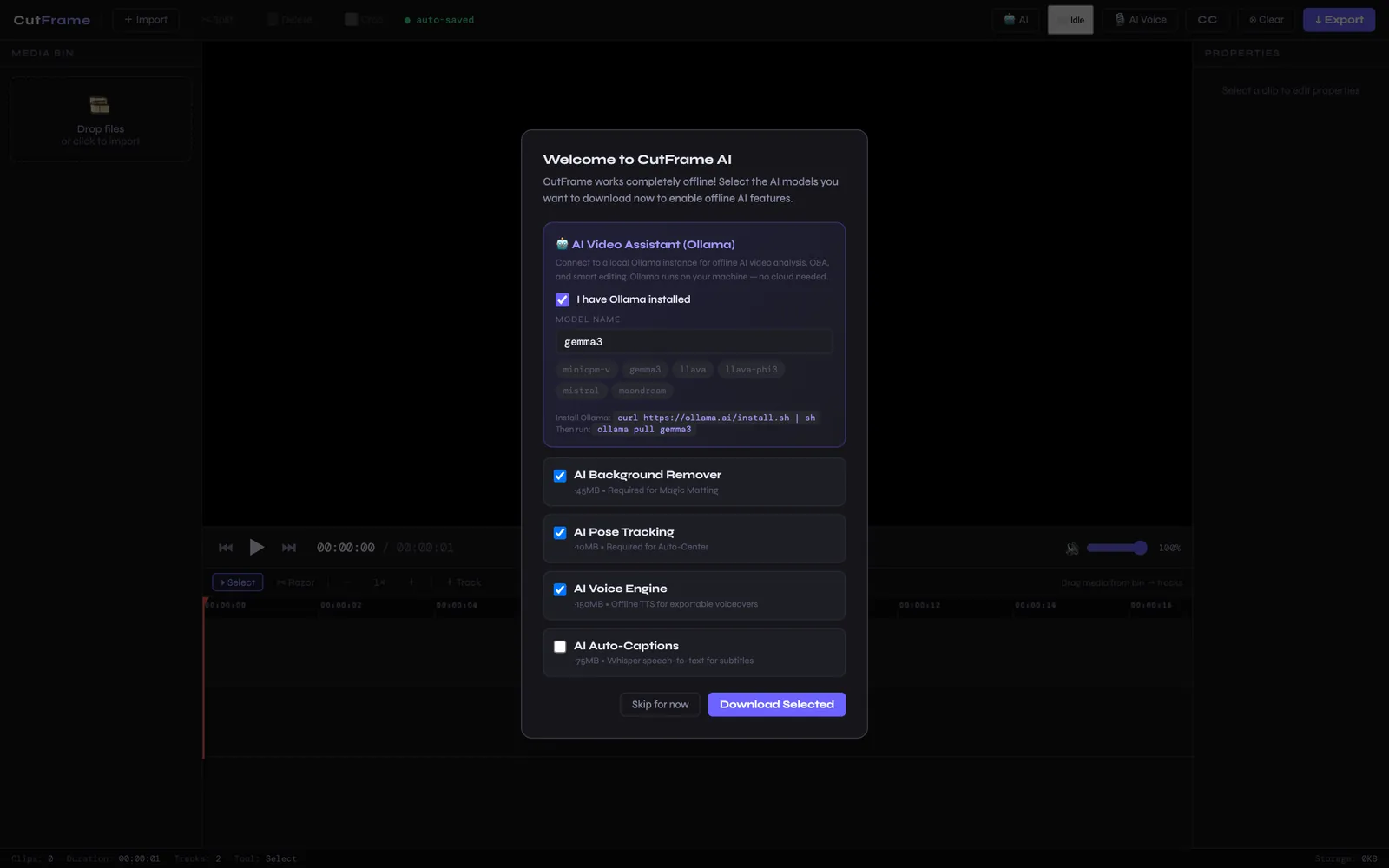
The AI runs on the device through Transformers.js and MediaPipe in WebAssembly: Whisper for timed captions, MODNet for background removal, SpeechT5 for voiceover and pose tracking to auto-centre 9:16 crops for Reels and Shorts. Models download once and are cached in IndexedDB, so after the first visit the editor works offline.
Highlights
- Multi-track timeline with razor, split, trim and per-clip colour grading
- Four on-device AI features; footage never leaves the machine
- Offline-first with a service worker and IndexedDB persistence
- Hybrid voiceover: instant native preview, neural render in the background